

How to use Yoast AI Brand Insights
With Yoast AI Brand Insights, you can see how your brand is represented in AI answers and how it compares to competitors. In this article, we explain where to find Yoast AI Brand Insights, what information to fill in, and how to run your brand analysis.
How to run your first analysis
- Purchase Yoast SEO AI+ or upgrade your existing subscription
Using Yoast SEO AI+ for Shopify? Follow How to set up Yoast AI Brand Insights in our Quick start guide for Yoast SEO for Shopify, then continue from Start your first analysis.
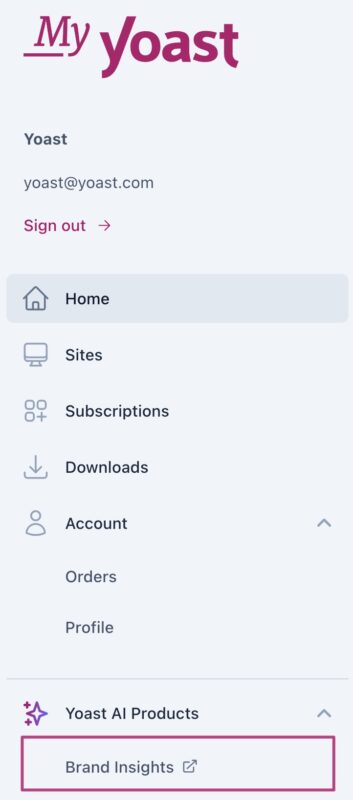
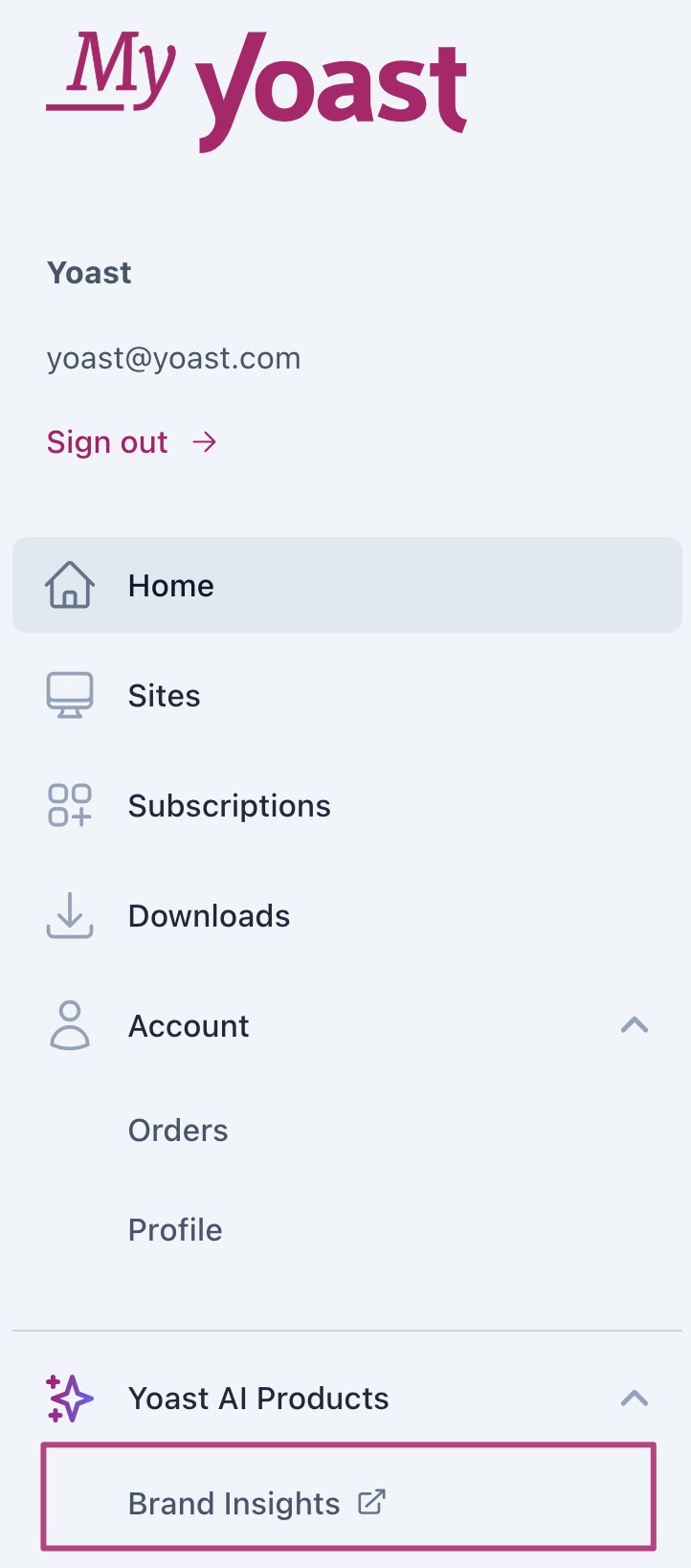
- Go to MyYoast
- In the menu, go to Brand Insights
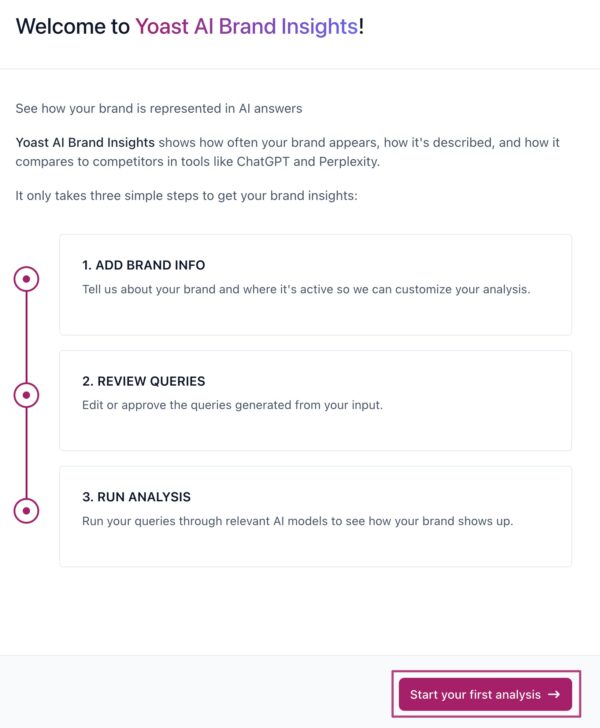
- Click Start your first analysis
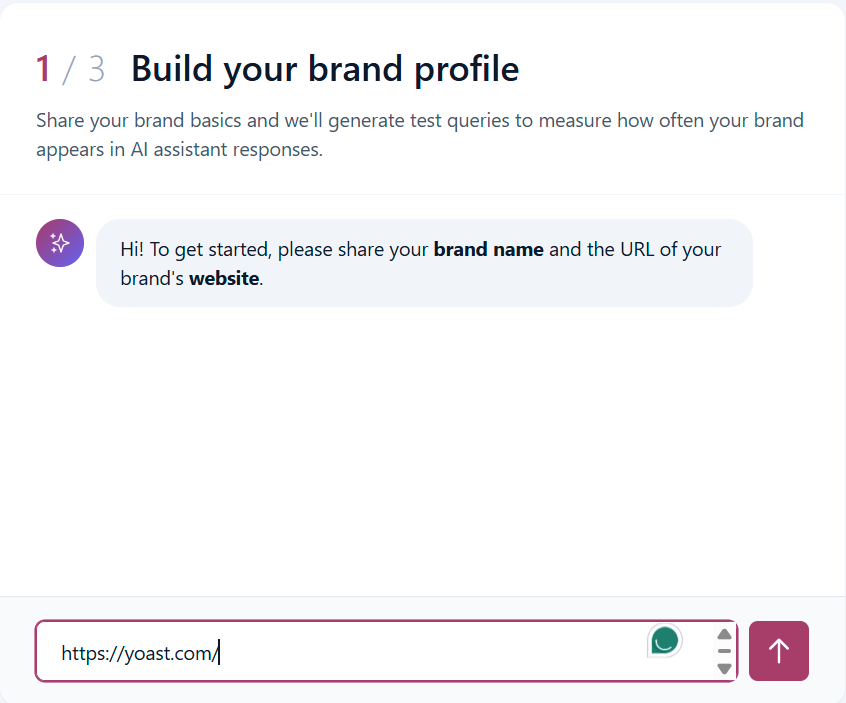
- Enter your website URL
An onboarding assistant opens and asks for your website URL.
- Wait for your brand profile
The onboarding assistant builds a brand profile, including your description, key offerings, and industry.
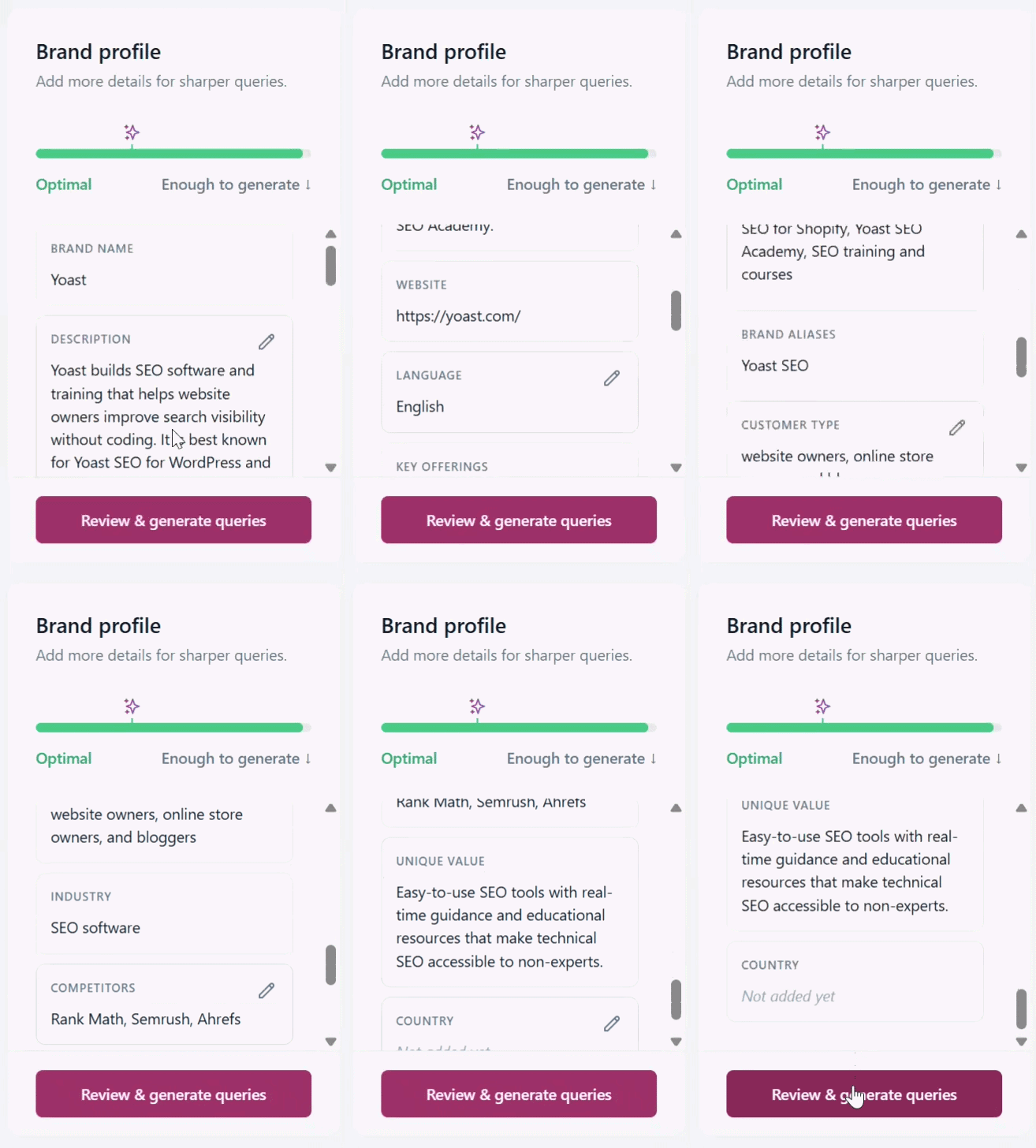
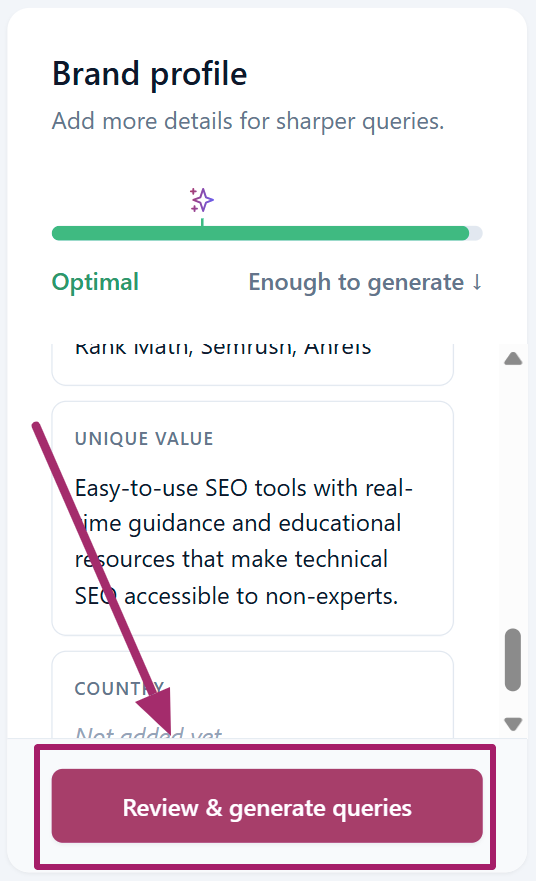
- Click Review & generate queries
Do this once you’re happy with your brand profile.
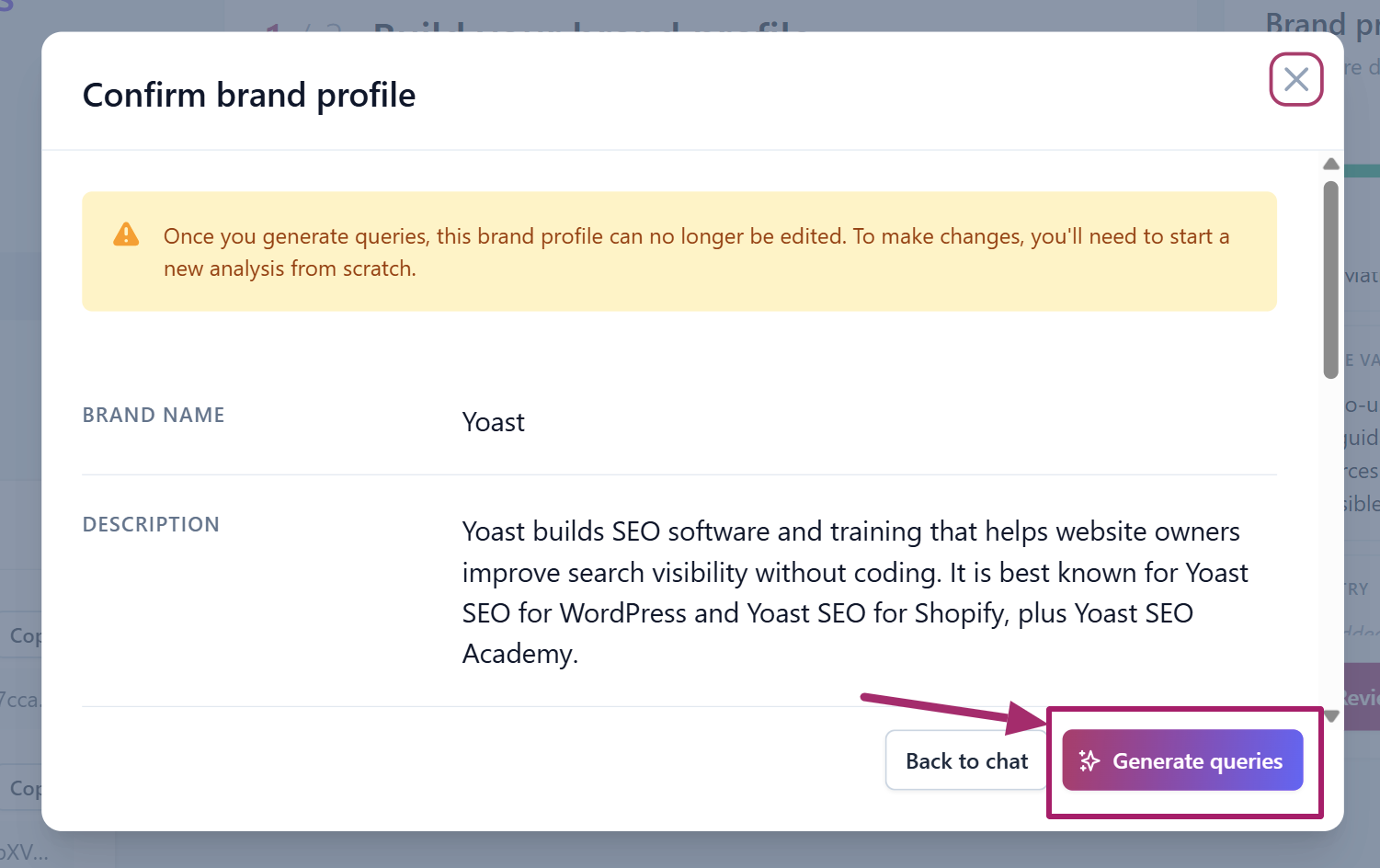
- Click Generate queries
Review your brand profile in the pop-up first.
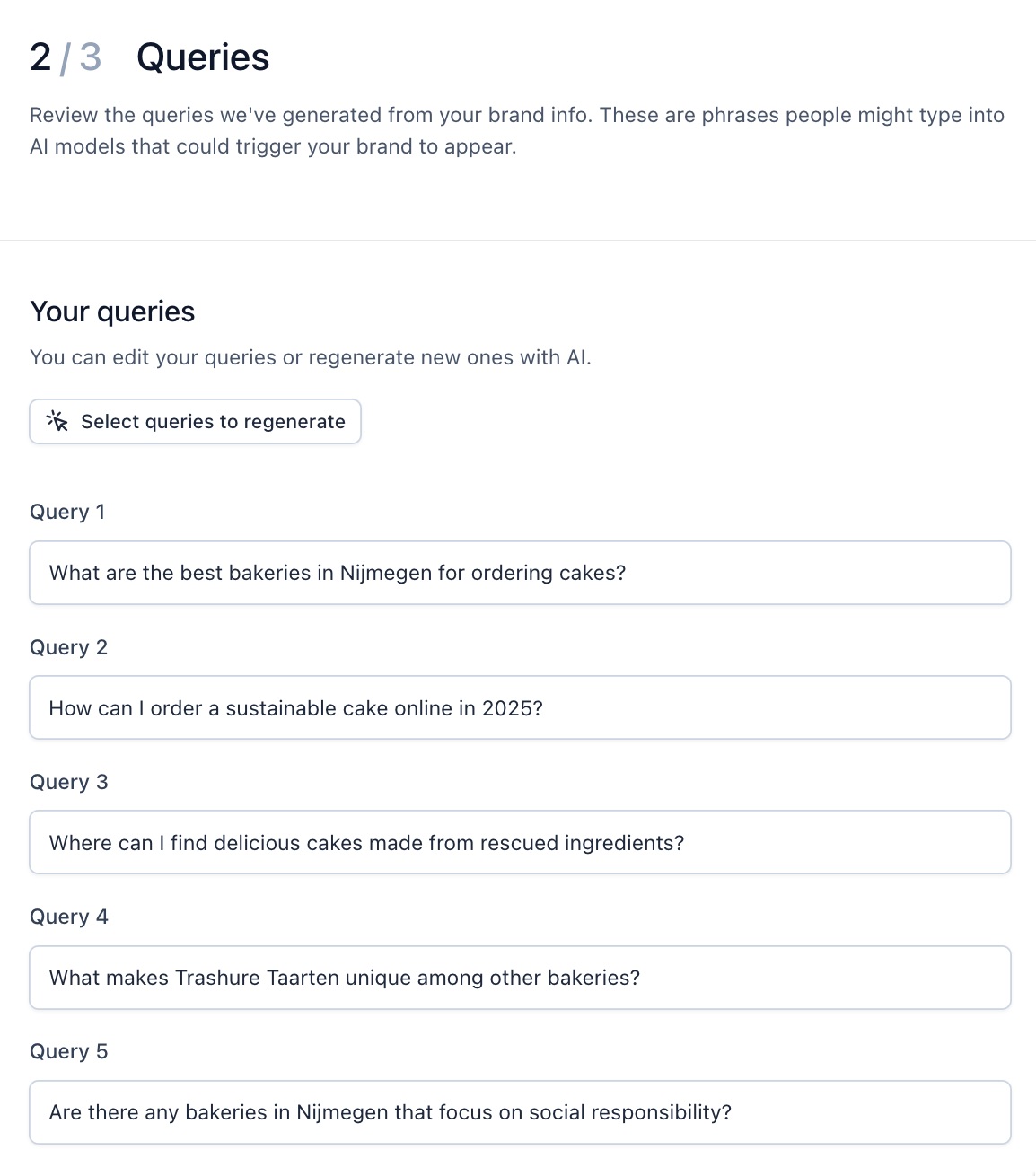
- Accept, edit, or regenerate the queries
Yoast AI Brand Insights generates five queries about your brand. You can edit them or generate a new set.
- Click Run analysis

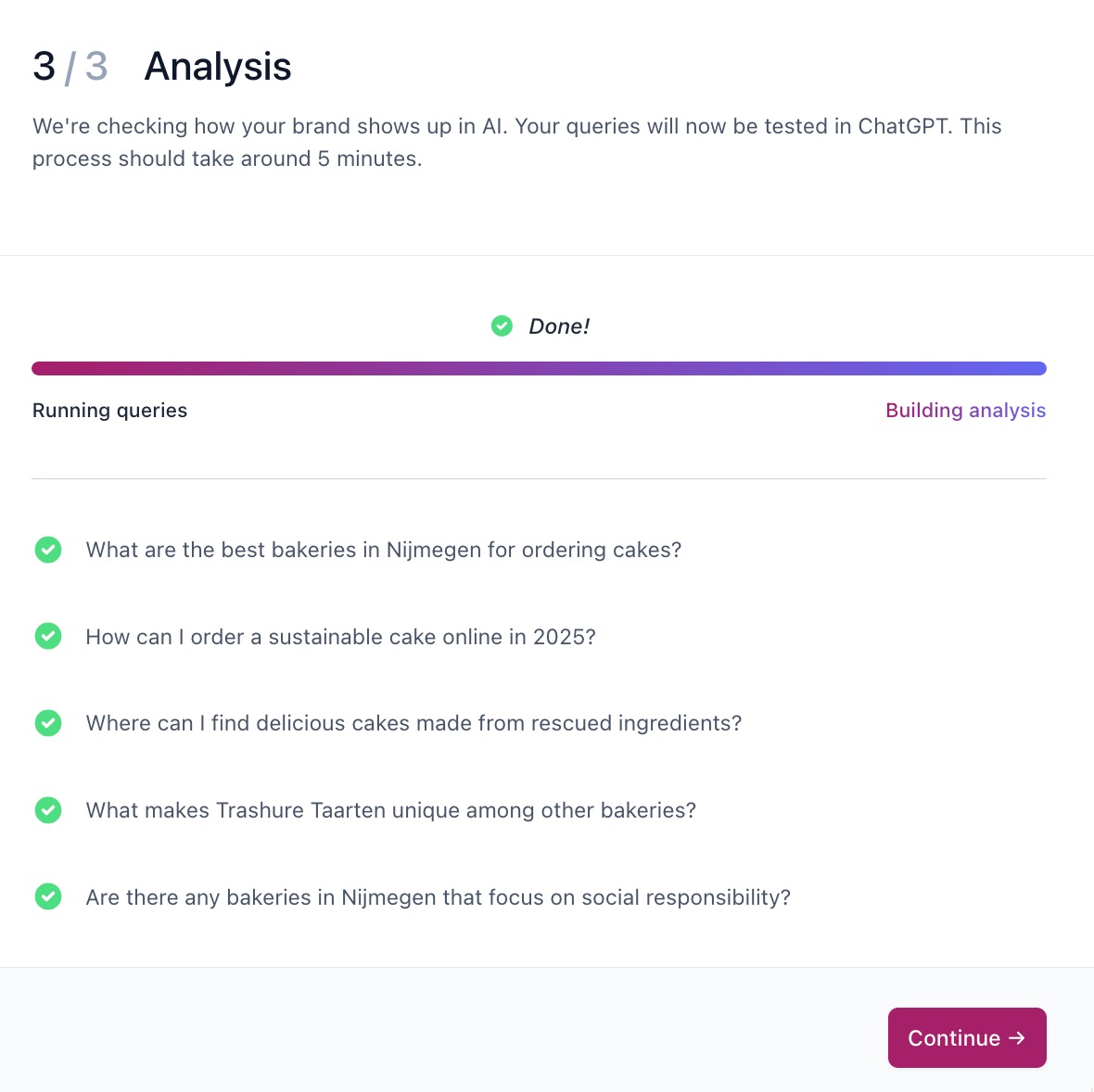
- Wait for the analysis to finish
The analysis takes around five minutes.
- Choose an AI platform
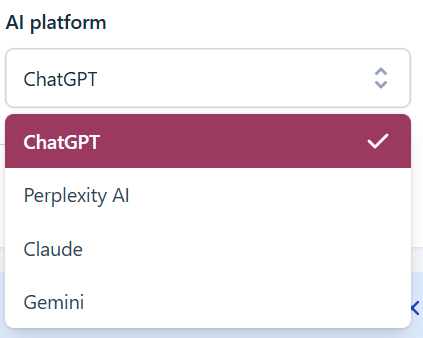
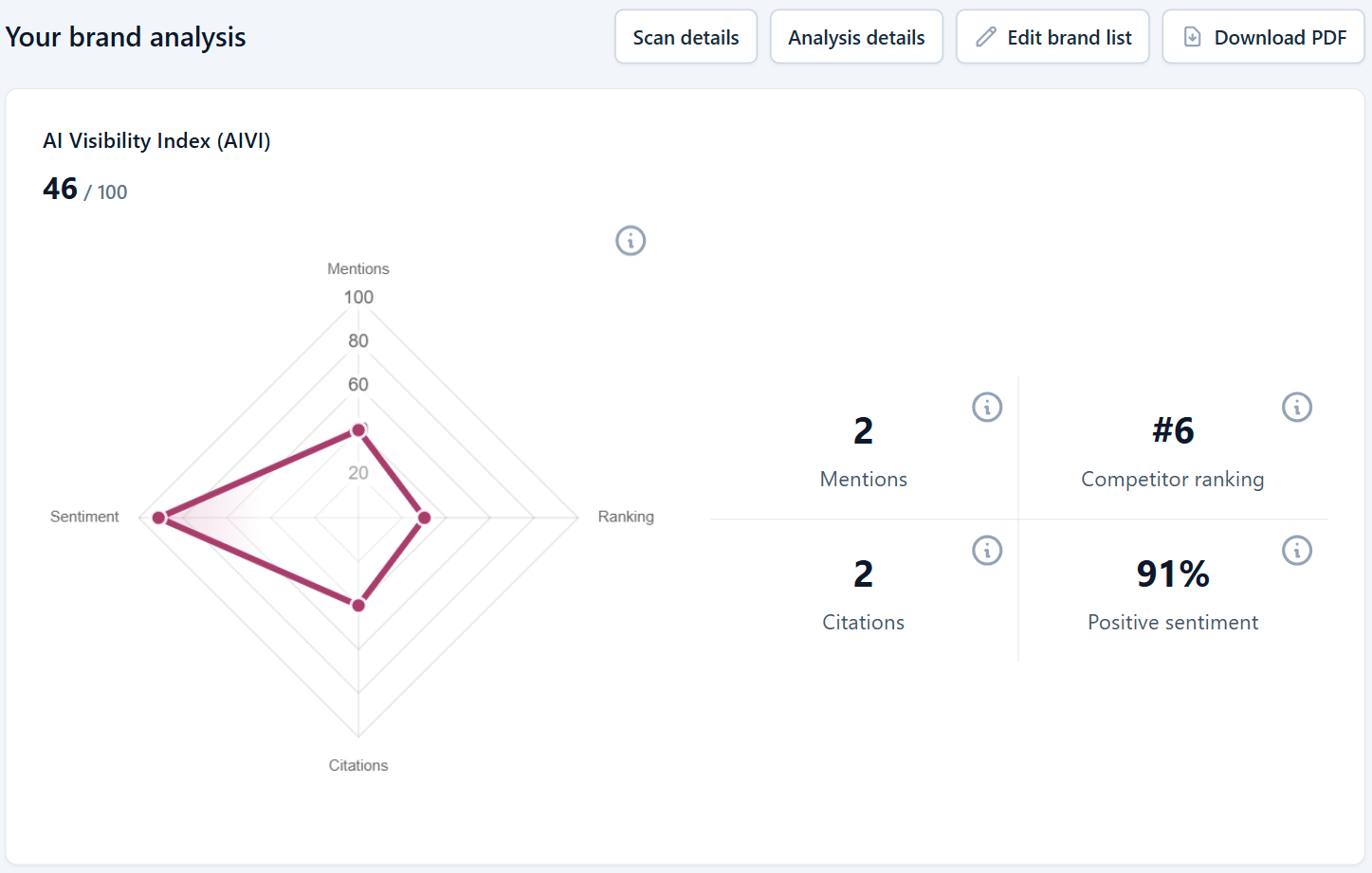
- Review your brand analysis
See your brand’s visibility, mentions, sentiment, and citations, plus a ranking of your competitors. You can also download the report as a PDF.
How to add a new brand for analysis
- In MyYoast, go to Brand Insights
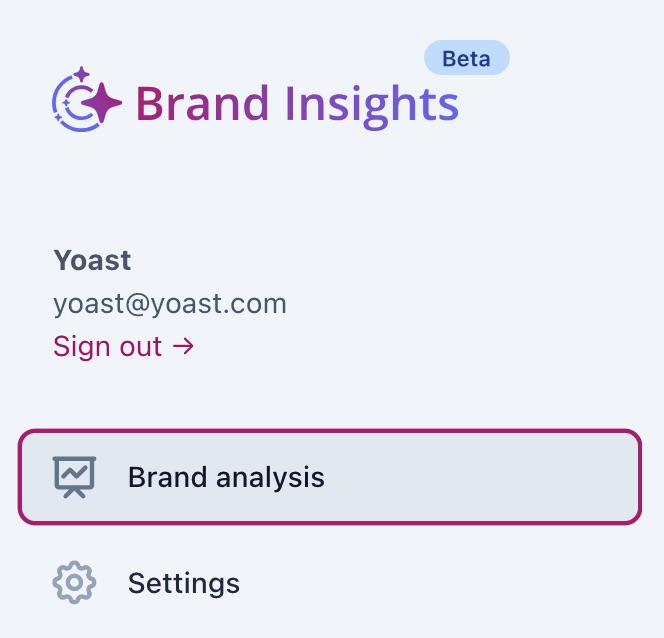
- Go to Brand analysis
- Click Analyze a different brand

- Complete the brand analysis
How to deactivate or delete a brand
- In MyYoast, go to Brand Insights
- Go to Settings
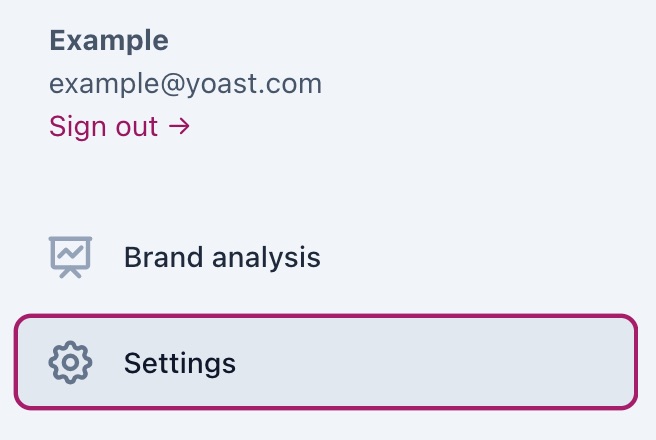
- Under Brands, slide the toggle to Off
The toggle shows a gray cross when it’s off.
- To permanently delete the brand, click Delete brand

- To add a new brand, follow the steps in How to run your first analysis
How to permanently delete your Brand Insights data
- In MyYoast, go to Brand Insights
- Go to Settings
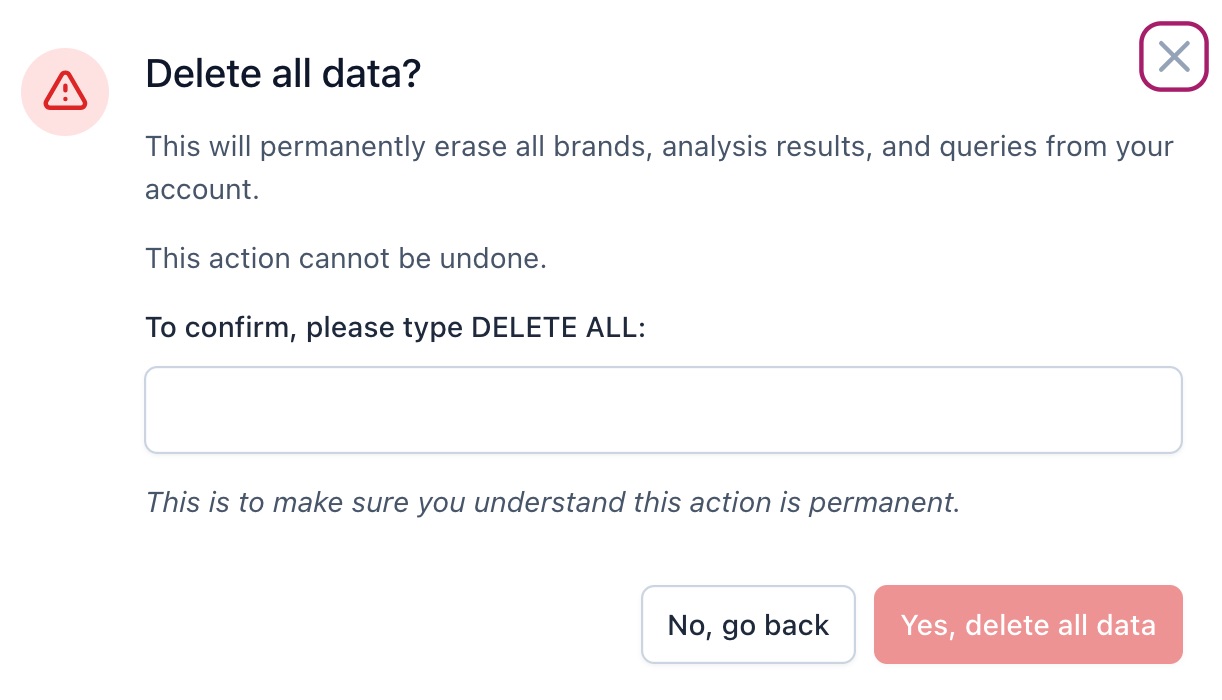
- Under Delete all data, click Delete all data

- Type DELETE ALL and click Yes, delete all data to confirm
How to fix duplicate brand listings
- In MyYoast, go to Brand Insights
- Go to Brand analysis
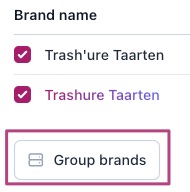
- Go to Edit brand list
- Use Search brands to find your brand name variants
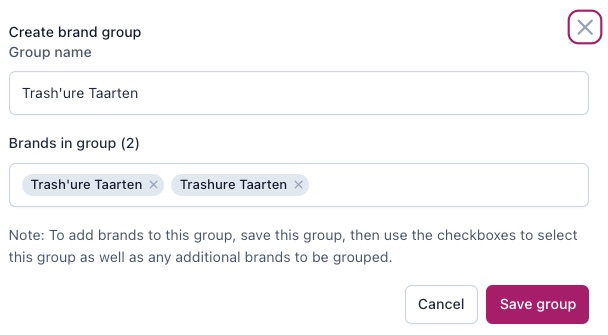
- Check all the variants and click Group brands
- Click Save group
I have a problem with Yoast AI Brand Insights
Check that you have a valid subscription for Yoast AI Brand Insights, and that your brand is set to active in Settings. Sometimes your queries return few or no results, or your brand can’t be found. If that happens, follow the tips on the page to make your content easier for AI platforms to read. For other issues, contact Yoast Support.

Get Yoast SEO AI+
- Monitor custom brand questions
- Citation analysis to understand which sources AI platforms reference
- Weekly brand analysis across AI platforms including ChatGPT, Claude, Gemini and Perplexity
Did this article answer your question?
Still having issues?
Try searching for your issue below